
Passport Size Photo Maker Online: Create Passport Photos Without the Stress
Last Update: June 17, 2026
Let’s be honest: nobody wakes up excited to take a passport photo.
You stand against a plain wall, try not to smile too much, wonder what to do with your hair, and somehow end up looking like you were just caught at airport security after a 14-hour flight.
But here is the good news: making a passport photo does not have to be awkward, expensive, or stressful anymore.
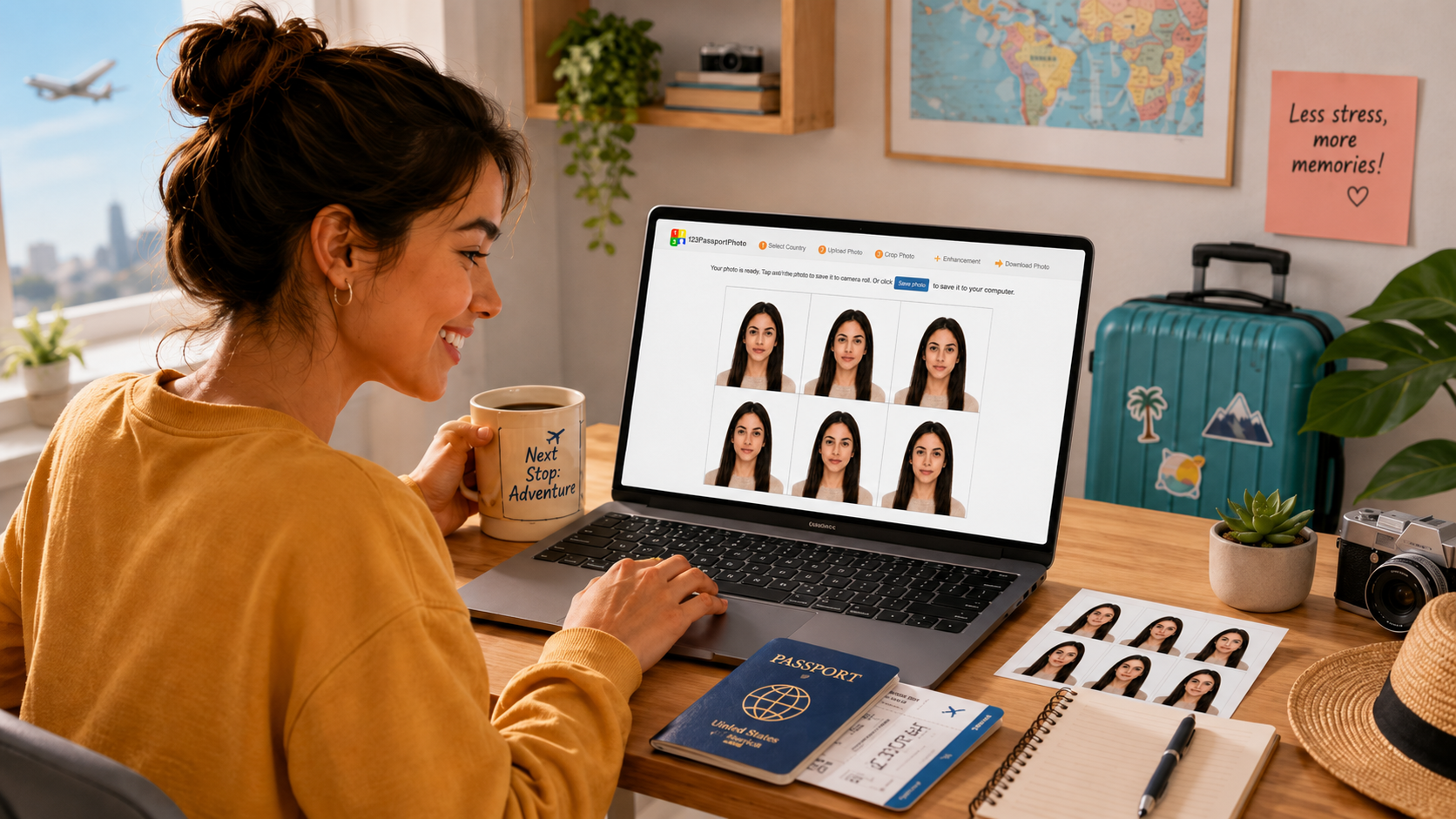
With a passport size photo maker online, you can create your passport, visa, or ID photo from home using nothing more than your phone or computer. And that is exactly where 123PassportPhoto.com comes in.
The Passport Photo: Small Picture, Big Responsibility
Passport photos are funny because they look so simple.
Just a face, a plain background, and a serious expression. Easy, right?
Well, not always.
Passport and visa photos usually have specific rules. The size must be correct. The face must be centered. The background must be plain. The lighting must be clear. And, of course, your expression must be neutral — which often means trying not to smile while also trying not to look angry.
It is a delicate art.
That is why using a passport photo maker online can save you time, effort, and a little bit of frustration.
The Best Part? You Can Do It from Home
One of the biggest advantages of using 123PassportPhoto.com is convenience.
You do not need to visit a photo booth. You do not need to drive to a store. You do not need to pay again and again if your photo does not look right the first time.
You can take your photo at home, upload it online, and prepare your passport-size photo in just a few steps.
This is especially useful if you need photos for:
- Passport applications
- Visa applications
- ID cards
- School or university documents
- Job applications
- Official forms
- Travel documents
Basically, whenever someone asks for a “passport-size photo,” you can avoid the small panic moment and make one online.
What Is a Passport Size Photo Maker Online?
A passport size photo maker online is a tool that helps turn a normal picture into a properly formatted passport-size photo.
Instead of opening editing software and trying to figure out pixels, dimensions, ratios, and print layouts, you can upload your photo and let the tool guide the process.
On 123PassportPhoto.com, you can prepare your image for passports, visas, ID cards, and other official documents. The tool helps you crop and resize the photo so it is ready to download and print.
How to Create a Passport Size Photo Online
Using 123PassportPhoto.com is simple.
First, take a clear photo in good lighting. Face the camera directly. Keep your expression neutral and make sure there are no shadows on your face.
Next, upload the photo to the online passport photo maker. Choose the required country or photo format, then crop and choose the enhancement you like, then download your photo and print it at home, at a local print shop, or through a photo printing service.
It is much easier than trying to manually resize an image and hoping the final result meets the rules.
Online Passport Size Photo Maker vs Photo Studio
Using an online passport size photo maker can be faster and more convenient than going to a photo studio.
| Option | Online Passport Size Photo Maker | Photo Studio |
| Convenience | Create from home | Need to visit a shop |
| Time | Usually faster | Depends on opening hours |
| Cost | Often cheaper | Usually more expensive |
| Digital photo | Easy to download | May cost extra |
| Printable sheet | Can be generated online | Usually printed by the shop |
| Retake option | Easy to upload another photo | May require another visit |
An online tool is especially useful when you need a digital passport photo quickly or want to prepare a printable photo sheet yourself.
Who Needs an Online Passport Photo Maker?
A passport size photo editor online is useful for travelers, students, workers, parents, and anyone handling official paperwork.
It can help when you need a passport photo for an upcoming trip, a visa photo for an application, or an ID photo for school, work, or personal records.
It is also helpful for families because you can prepare several photos without taking everyone to a studio.
FAQ About Making Passport Size Photos Online
Can I make a passport photo from my phone?
Yes. You can take a clear photo with your phone and upload it to 123PassportPhoto.com to crop and resize it.
Can I print my passport photo after downloading it?
Yes. After creating your passport-size photo online, you can print it at home, at a local photo shop, or through an online printing service.
Do I need photo editing experience?
No. 123PassportPhoto.com is designed to make the process simple, even if you have no editing experience.
What should I avoid in a passport photo?
Avoid filters, sunglasses, hats, dark shadows, busy backgrounds, blurry images, and strong facial expressions.
Is an online passport photo maker useful for visa photos too?
Yes. You can use an online passport photo tool for passport photos, visa photos, ID photos, and many official document photo needs.
Create Your Passport Size Photo Online
Passport photos may never be the most exciting part of travel, but they do not have to be the most annoying part either.
With 123PassportPhoto.com, you can use a passport size photo maker online to upload your image, crop it, resize it, and download a ready-to-print passport, visa, or ID photo in minutes.
So take the photo, make it official, and get back to the fun part: planning where that passport is going next.
Popular Passport Photo Tools
Passport photo requirements are different in each country. Use the country-specific tools below to create passport photos with the right size, background color, and format.
- US Passport Photo Maker
- UK Passport Photo Maker
- Singapore Passport Photo Maker
- Malaysia Passport Photo Maker
- India Passport Photo Maker
- Australia Passport Photo Maker
- Canada Passport Photo Maker
- China Passport Photo Maker
- Visa Photo Maker
- ID Photo Maker
- Baby Passport Photo Maker
- Digital Passport Photo Maker
This document is rated 4.8 / 5 - 55 Votes