
How to Take a Passport Photo at Home: A Simple and Reliable Method
Last Update: January 30, 2026
Learn how to take a U.S. passport photo at home that meets official requirements using your iPhone or Android. This DIY passport photo guide explains the correct home passport photo setup, lighting, background, cropping, and where to print passport photos so your image is accepted the first time.
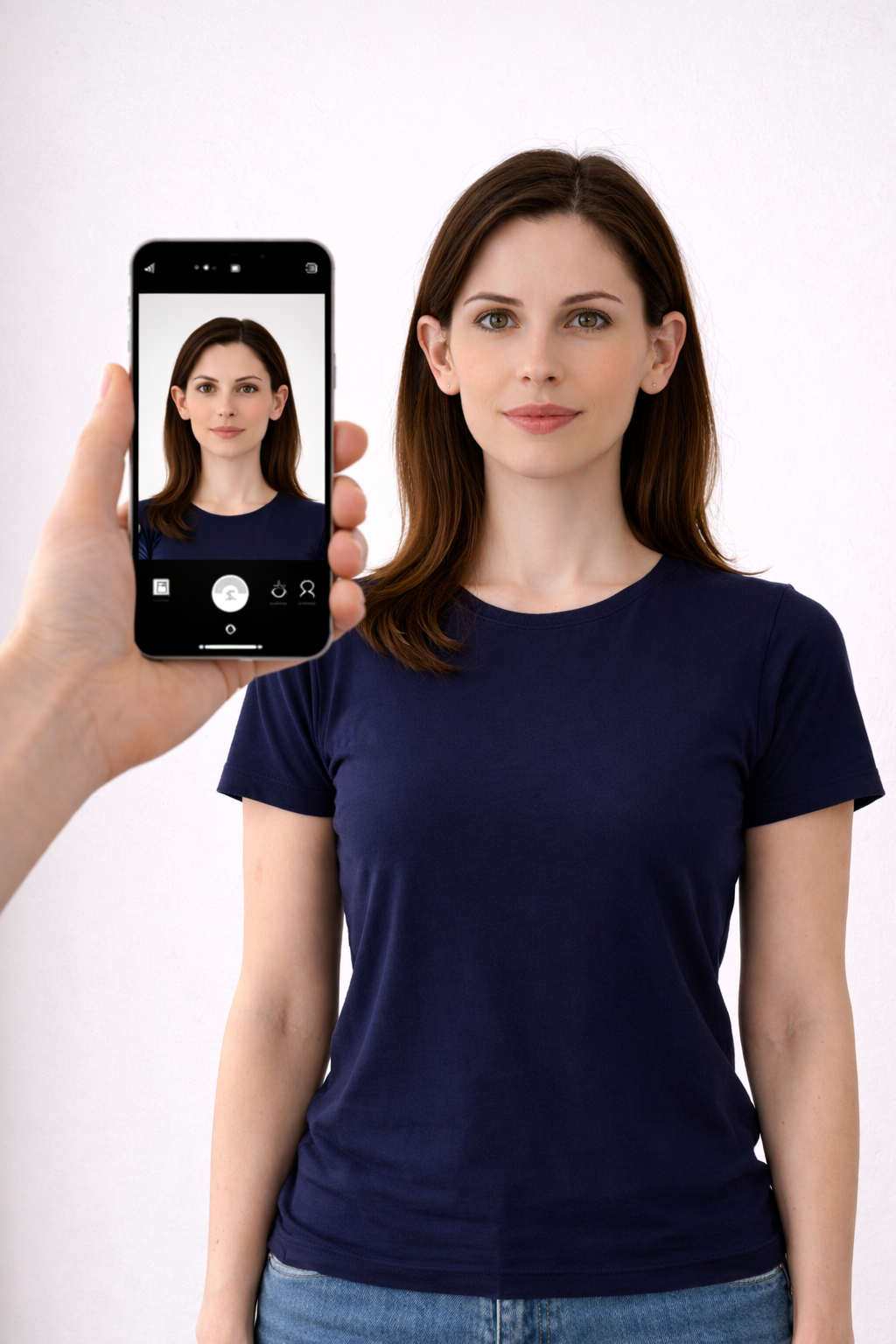
Can You Take a Passport Photo at Home in the U.S.?
Yes. The U.S. Department of State allows you to take a passport photo at home on your iPhone or Android phone as long as the image meets official size, lighting, and background rules. You do not need a studio if your DIY passport photo meets all requirements.
U.S. Passport Photo Requirements (2026)
| Requirement | Official Standard |
|---|---|
| Photo size | 2 × 2 inches |
| Head size | 1 – 1⅜ inches (chin to top of head) |
| Background | Plain white or off-white |
| Glasses | Not allowed |
| Expression | Neutral face, mouth closed |
| Resolution | 600×600 px minimum |
| Head coverage | No hats unless religious |
How to Take a Passport Photo at Home (Step-by-Step)
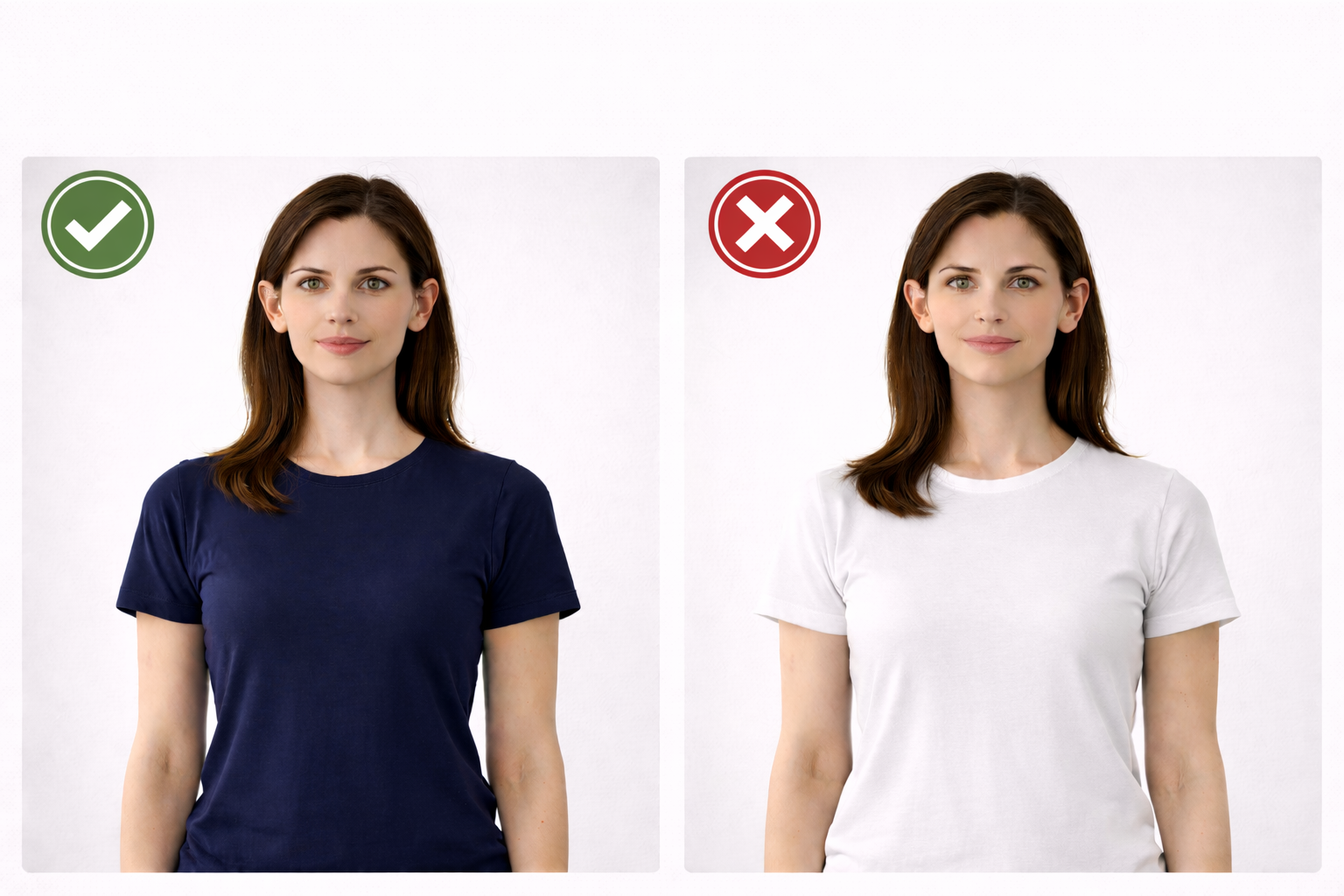
Step 1 - What to Wear
-
No white clothing
-
No glasses, hats, earbuds
-
Hair must be off eyebrows and eyes
Step 2 - Choose a properly lit area
Position yourself facing a bright window or doorway when taking the photo. This helps prevent shadows on your face and in the background. Make sure your face is evenly illuminated and free from shadows or glare.
Note: You do not need to be concerned about the background, as our online passport photo maker will automatically adjust it for you.
Step 3 - Phone Camera Settings (iPhone & Android)
| Setting | Correct |
|---|---|
| Camera mode | Normal photo |
| Portrait mode | Off |
| HDR | Off |
| Zoom | 1× |
| Flash | Off |
| Filters | None |
Camera must be at eye level.
Step 4 - Take the Photo
-
Sit straight
-
Look directly into the lens
-
Neutral expression
-
Take 5 -10 photos and choose best
Step 5 - Crop to U.S. Passport Size
Use our online passport photo tool at https://www.123passportphoto.com/ to easily crop, resize, and adjust your photo to meet official passport photo size and government requirements.
Choose United States passport → Upload →Crop your photo →Choose the enhansement you like → Download final file.
U.S. Passport Photo Checklist
-
White or off-white background
-
Neutral face
-
Correct size
-
No shadows
-
Eyes open and centered
-
No filters or edits
FAQ
Can I smile in a U.S. passport photo?
Yes,but you must keep your eyes open and mouth closed.
Can I wear glasses?
No. Glasses are not allowed in U.S. passport photos.
Can I use my iPhone to take passport photos?
Yes, as long as portrait mode and filters are turned off.
What shirt color is best?
Dark colors such as navy, black, or charcoal work best.
Can I take passport photos at home for kids?
Yes. Children and babies are allowed to be photographed at home.
Common Mistakes That Get Photos Rejected
-
White shirt on white background
-
Shadows behind head
-
Portrait mode blur
-
Smiling
-
Glasses or glare
Final Tip
If your application is urgent, print your photo at Walgreens, CVS, or Walmart Photo on matte or glossy paper and cut to 2×2 inches.
This document is rated 3.3 / 5 - 3 Votes